JustFix Apple's Shitty Tiling

Every window, exactly where it belongs.

FAST is a native macOS window manager for macOS 14 and later. It tiles your windows into visual zones, saves whole workspaces as Scenes, and restores them in one click. All local, one-time purchase.

  • One-time purchase
  • Local-first & private
  • macOS 14+
FASTFAST
--:--:--
Xcode — WorkspaceController.swift
1234567
+
Zone 2
Zone 3
Notes
  • 100%Native Swift app
  • ZeroCloud & telemetry
  • Pay onceNo subscription
  • Public APISIP stays enabled

Straight answers first.

What is FAST?

FAST (Fix Apple's Shitty Tiling) is a native macOS window manager for macOS 14 Sonoma and newer. It tiles your windows into visual zones on every connected display, saves entire workspaces as Scenes you can restore in one click, and runs fully offline. One-time purchase from €29 — no subscription, no account, no telemetry.

Who builds it
Doesn’t macOS already do this?

macOS tiles the window you are dragging right now. It has no concept of a workspace you can name, save and bring back. FAST adds persistent Scenes across changing displays, per-display layouts, stacks that hold a window behind another instead of replacing it, Undo for every geometry change, and a CLI and URL scheme for automation.

Full comparison

Does it need System Integrity Protection turned off?

No. FAST uses only Apple’s public Accessibility API. You grant Accessibility permission once in System Settings and SIP stays fully enabled — no kernel extension, no modified system volume, no reduced-security boot.

More questions

Everything useful, one click away.

  • Local first
  • Works offline
  • Persistent Scenes
  • Semantic stacks
  • Shift-drag snapping
  • Vim-style navigation
  • Focus Mode
  • Per-display layouts
  • 49″ ultrawide layout
  • Explainable rules
  • Undo everything
  • Shortcuts & Siri
  • URL scheme
  • CLI included

Save and restore a whole workspace on macOS

Your whole workspace, back in one click.

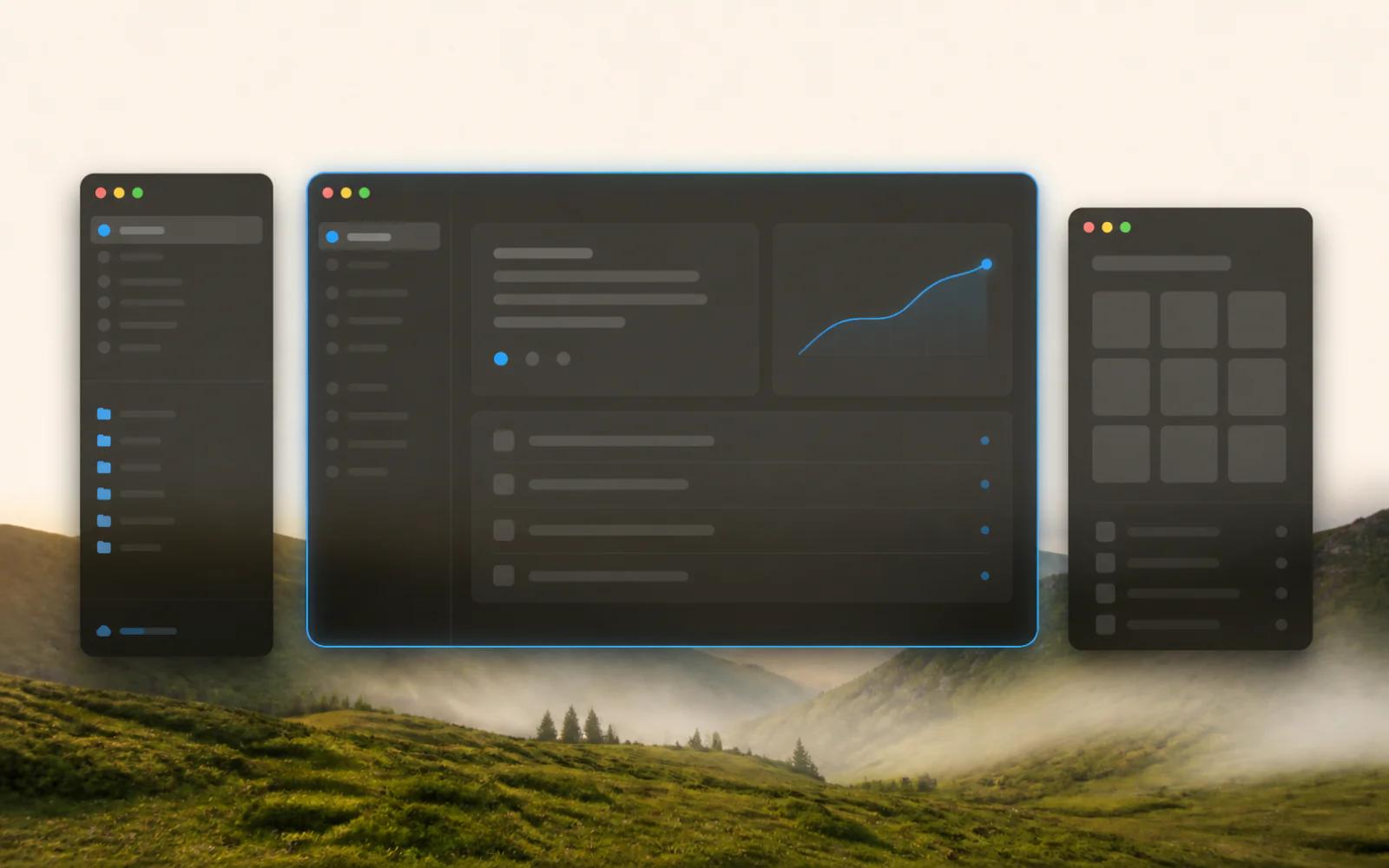
A Scene captures what your workspace means rather than where its pixels were. Deep work, client call, Friday admin: each is one click, on whatever desk you happen to be sitting at.

  • Stores display roles, layouts, theme, matched windows and stacks — not pixel coordinates
  • Re-matches windows that are already open and launches the apps that are missing
  • Maps onto whatever displays are connected right now, so docking elsewhere still works
  • Every restore leaves an Undo snapshot
How saved layouts work
Three frosted workspace windows restored over an alpine landscape

Shift-drag a window straight into its tile

Drag a window. Drop it home.

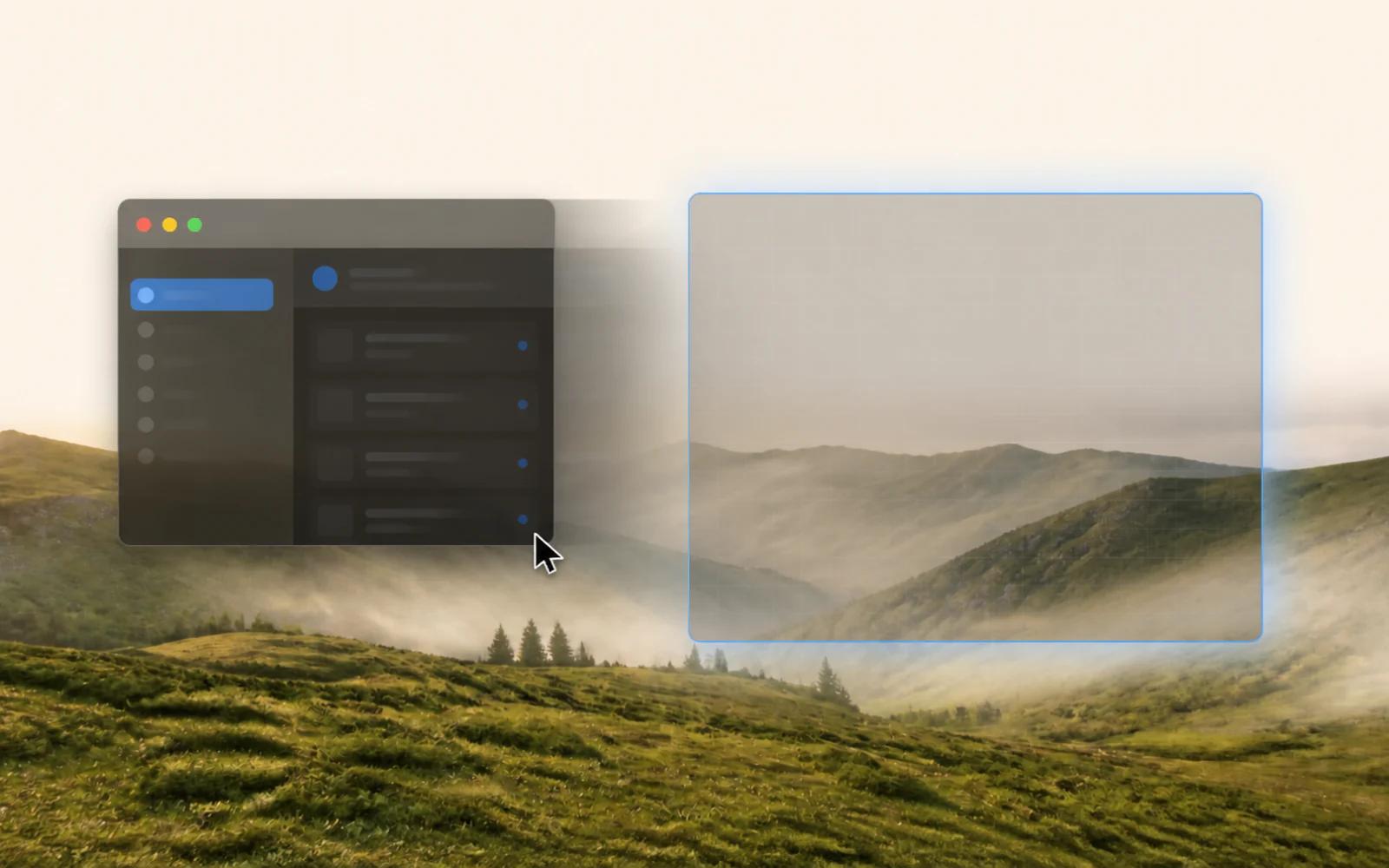
Snapping should be something you point at, not something you memorise. The tile you drop onto is the tile you get, and nothing you already had open disappears in the process.

  • Hold Shift while dragging and release over a tile to snap it there
  • Every tile carries a compact app switcher, so swapping Safari for Figma is one click
  • The displaced app waits in the strip instead of vanishing
  • The + under each tile opens a native launcher: type a name, press Return
A window being dragged toward a glowing snap zone
I plug my MacBook into three different desks a week. Scenes gave me back the first ten minutes of every morning: one click, and Xcode, the simulator, and my terminal are exactly where I left them, on whatever monitor happens to be there.
Jonas K.iOS developer

Window stacks and a Focus Mode that gives the screen back

Stack context. Never lose it.

Your research stays behind your draft, not under it. And when you need the whole screen for one thing, taking it does not cost you the arrangement you had.

  • Dropping onto an occupied tile stacks the windows instead of evicting one
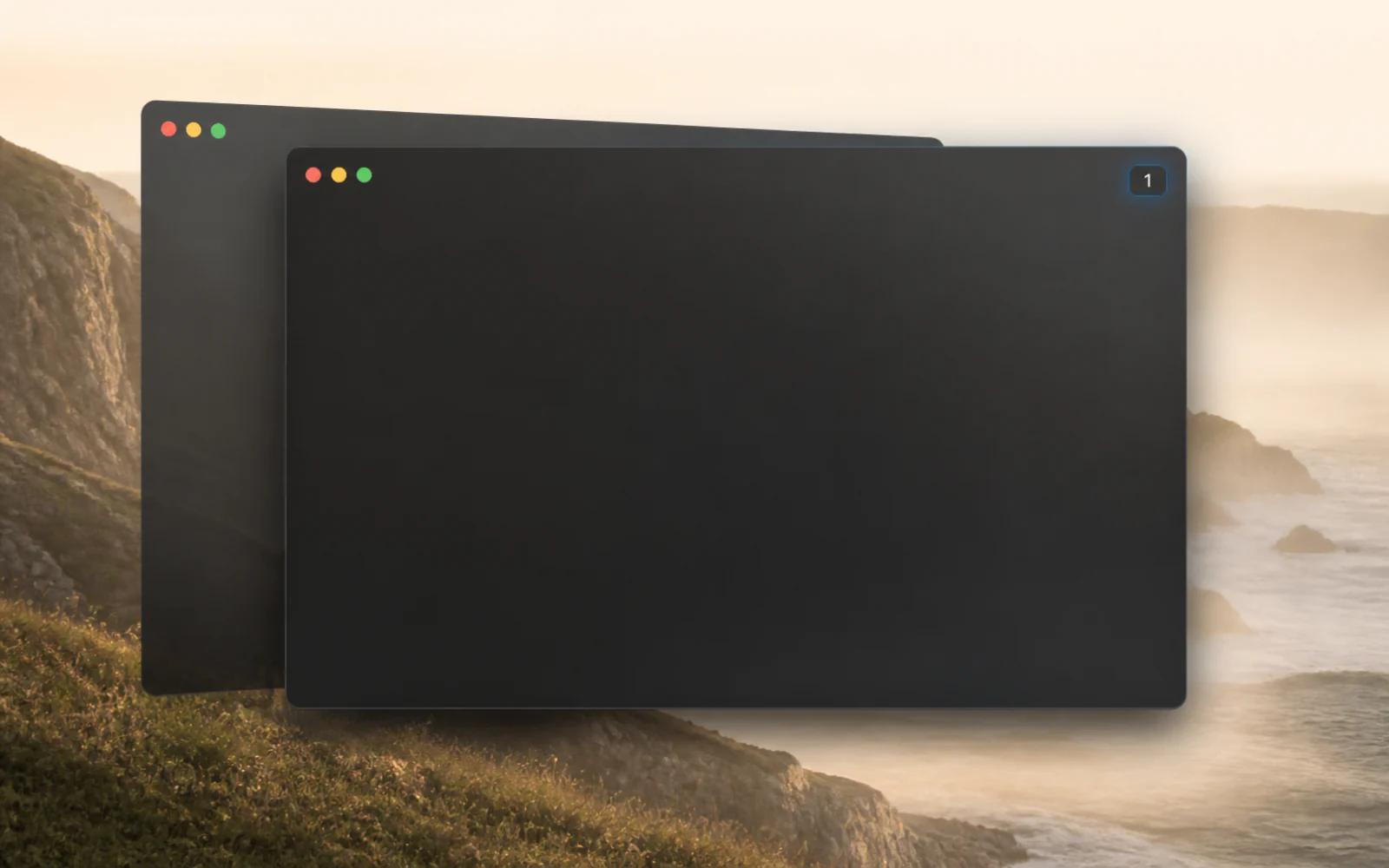
  • A numbered badge appears; click it or press ⌃⌥⇥ to cycle the stack
  • Focus Mode turns the active display into one clean pane
  • Leaving Focus Mode returns the exact prior geometry; other displays never move
A stack of three windows beside an expanded focus pane
I've tried every window manager on the Mac, and I always ended up back in System Settings turning things off. FAST is the first one I never configure: I Shift-drag a window, it lands where I point, and Undo forgives my mistakes.
Marie L.Product designer

Vim-style keyboard navigation between windows

Your hands never leave home row.

Spatial navigation means the key you press describes a direction on screen, not a slot in a grid you have to hold in your head.

  • ⌃⌥ H/J/K/L focuses left, down, up, right; add ⇧ to move the window itself
  • ⌃⌥←/→ switches layouts on the display under the pointer; ⌃⌥Z undoes any geometry change
  • Moves follow the real layout, so multi-zone spans are preserved
  • No parallel maze of hard-coded halves and quarters to memorise
Complete keyboard reference
  • HFocus left
  • LFocus right
  • JMove window down
  • ZUndo last move
  • Focus Mode
  • Cycle stack

Every shortcut can be changed or removed in Settings. See all shortcuts

Shortcuts, Siri, a URL scheme and a bundled CLI

One action model. Every surface.

Most tools bolt automation on afterwards, which is why their CLI and their UI slowly start to disagree. Here there is one action layer, and every surface is a way of naming an action in it.

  • Clicks, keys, Shortcuts, Siri, fast:// URLs and fastctl run the same typed actions
  • Placement behaves identically no matter which surface triggered it
  • Undo works regardless of where a command came from
  • Script your morning Scene from a Shortcut, or bind fastctl to a Stream Deck
fastctl and the URL scheme
zsh — fastctl

$ fastctl focus left

$ fastctl move right

$ fastctl arrange

# or from anywhere on your Mac:

fast://action/undo

fast://scene/<uuid-or-name>

# Shortcuts & Siri: Arrange into Zones, Focus Mode, Undo, Open Scene

I bound fastctl to my Stream Deck, and now my whole standup setup is one physical button: call window left, notes right, dashboards on the TV. The CLI alone is worth the price of the app.
Tom R.Founder, two-person SaaS

Built for everything you arrange.

Developers

Keep Xcode in the focus tile, Codex, Claude Code and Cursor in the glowing agent strip, and a terminal one ⌃⌥L away. Restore the whole setup tomorrow with one Scene.

Designers

Figma full-bleed in Focus Mode, references stacked in a side tile. Switch back to the exact same handoff setup with one Scene.

Writers & researchers

Editor left, sources right, notes stacked behind them. ⌃⌥Tab cycles the stack so quotes and drafts never bury each other.

Marketing & sales

A call Scene with browser, CRM, and notes opens before the meeting starts. Undo one keystroke away when a screen-share shuffles everything.

Founders

One Scene for deep work, one for email and dashboards, one for investor calls. Switch modes instead of re-dragging windows five times a day.

Personal

Music, messages, and a browser on the ultrawide at home; a compact three-tile layout on the MacBook at the café. FAST picks the right layout per display.

FAST at a glance.

Technical specifications and licensing for FAST
PlatformmacOS 14 Sonoma or newer
TypeNative Swift app, menu-bar utility, no Dock icon
PermissionmacOS Accessibility (granted once)
System Integrity ProtectionStays fully enabled
Built-in layouts12, including a five-tile 49″ ultrawide
Undo history30 steps, geometry and stacks
NetworkLicense activation only; 7-day offline grace period
DataLocal JSON, exportable and importable
TelemetryNone
LicenseOne-time purchase for 1, 2 or 3 Macs
Moving a licenseSettings › License › Deactivate This Mac
Price€29 / €39 / €49, lifetime updates
Refund14 days, no questions

Full keyboard reference on the shortcuts page, automation on the CLI page.

One price. Lifetime access.

Pay once, own it forever. No subscription, no in-app account, no telemetry.

4929once, for 1 device

Early-bird launch price 🥳, goes up at 1.0

  • One-time payment, no subscription
  • 14-day money-back guarantee
  • Lifetime updates included
  • All features from day one
  • Works offline between license checks
Buy FAST for €29

Secure checkout via Polar. Taxes are calculated and handled by Polar.

Questions, answered.

  • FAST (Fix Apple's Shitty Tiling) is a native macOS window manager for macOS 14 Sonoma and newer. It tiles your windows into visual zones on every connected display, saves entire workspaces as Scenes you can restore in one click, and gives every action a keyboard shortcut, a Shortcuts action, a URL and a CLI command. One-time purchase from €29, no subscription, no telemetry.

Stop arranging. Start working.

Tiles, Scenes, stacks, and spatial keys. One native app, one one-time price, zero cloud.

Download for macOS

One-time purchase · Local-first & private · macOS 14+